01
See exactly what changes
Drag across a live before-and-after comparison, then inspect the glow mask to understand which pixels receive the HDR boost.
 Jeff's Apps
Give snow, reflections, logos, lamps, and bright details real HDR presence—while the rest of your image stays beautifully familiar.
Coming soon · $0.99 one-time · No in-app purchases
Illustrative preview—the real result depends on your HDR display.
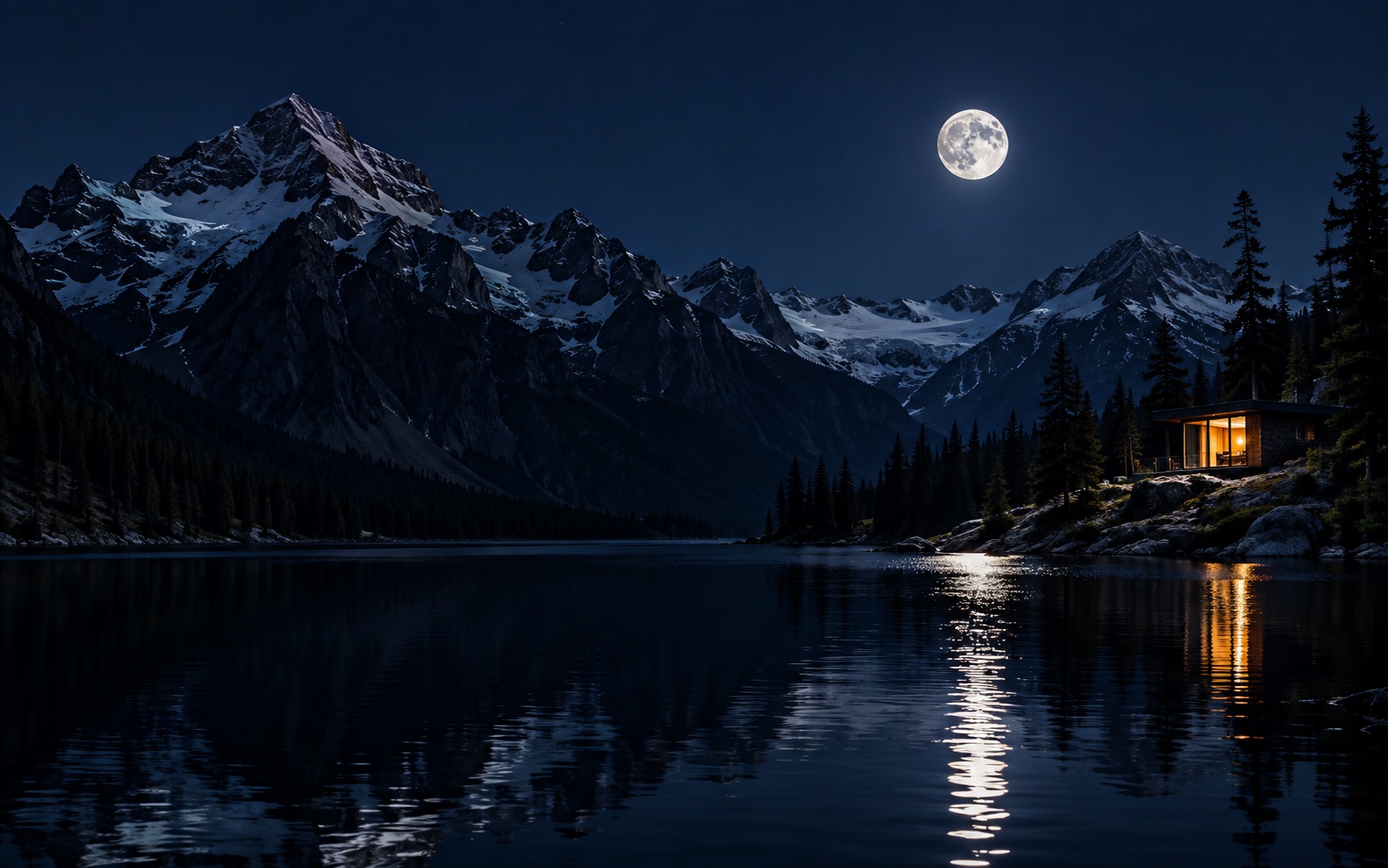
Easy HDR Glow targets the brightest parts of an image and gives them room to shine above normal white on compatible displays.
Choose where the boost begins, set the peak brightness, and soften the transition. Colors, shadows, and midtones keep their character while near-white details gain presence.
Drag across a live before-and-after comparison, then inspect the glow mask to understand which pixels receive the HDR boost.
Apply a shared setting across a batch, then fine-tune individual photos before saving everything together.
Dates, camera information, captions, and GPS location carry over to exports instead of disappearing during processing.
Selected images are processed on your device rather than uploaded to a developer-operated image service.
Keep the original dimensions or use practical output sizes for websites, newsletters, and email signatures.
HDR brightness depends on the screen and the app displaying the image. Compatible software can reveal the extra highlight brightness; other viewers may show a standard-looking version.
Some social platforms re-compress uploads and flatten HDR. The guide explains what to expect and how to choose between gain-map HEIC and PQ JPEG.
Coming soon for iPhone and iPad.